
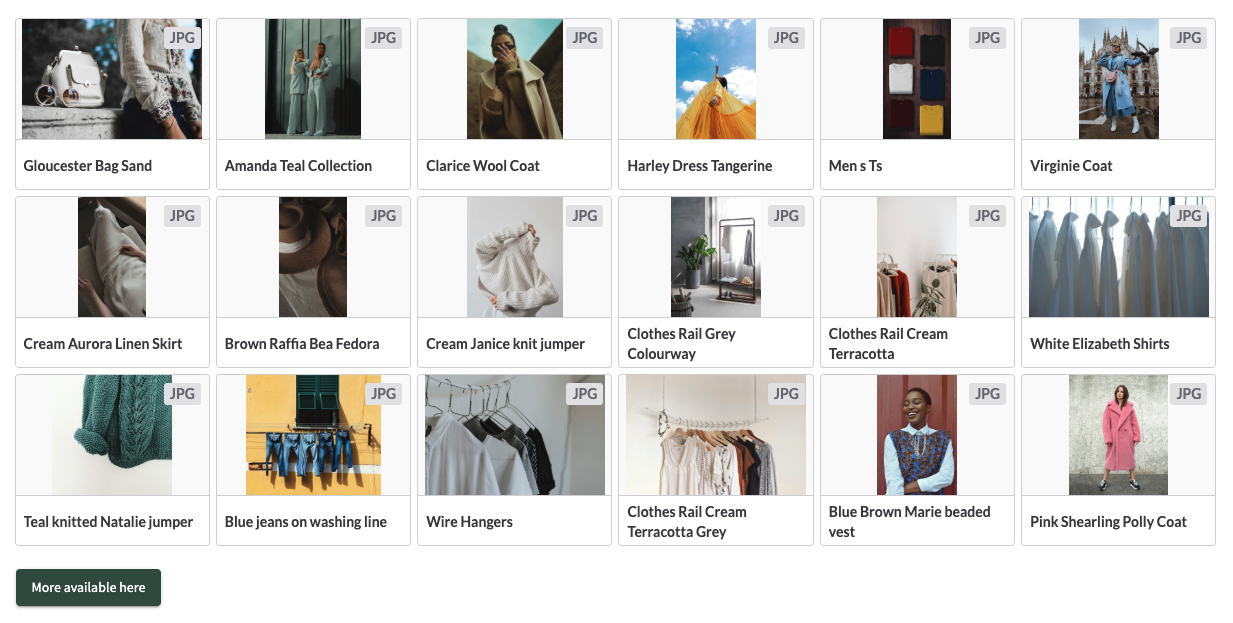
Users with permission to “Manage CMS page content (X)” via their group or with role System admin or above can configure the Dynamic Search Results block.
To configure the block, click Manage Blocks in the bottom admin bar and then click on Properties for the block
Results in the block are user group permission dependent
Configuration Options
Content
Search URL
The Text field allows the admin to enter a pre-filtered search URL
The search results retrieved by the block mimic what the end user viewing the block would see in search using the same filters
- The sort order of the assets in the block is determined by the sort order set when the URL was copied from search eg:
Go to the Search, select your required filters, set the sort order to A-Z. Copy the URL and paste into the search URL field of the block. Assets shown in the block listing are ordered A-Z
Number of results
Min 1
Max 100
Default 5
Thumbnail size
- Compact
- Regular - Default
Layout Options
Full width
When enabled, uses the full width of the page to show the assets returned in the search result
When disabled the Block should respect the settings set in the “Page’s Properties” section
Background Colour
Colour picker picks up colours set in the Brand & Skinning tool > Essentials > Colours section
User can also be able to type/paste a rgb or hex value to use
Margin/Padding
Sets margin in px around the block
Link to the Search
Allows the admin to add a link to the bottom of the results page, that when clicked takes the user to the global search with the same search query as that set in the block
Button text can be customised with a max character count of 50 characters
Link can be set to Left, Center or Right hand side